Web Flasher Gateway
Flash the latest firmware straight from your browser over USB, then apply our PH channel parameters: region PH_915, primary channel LongFast, hop limit 3.
Open web flasher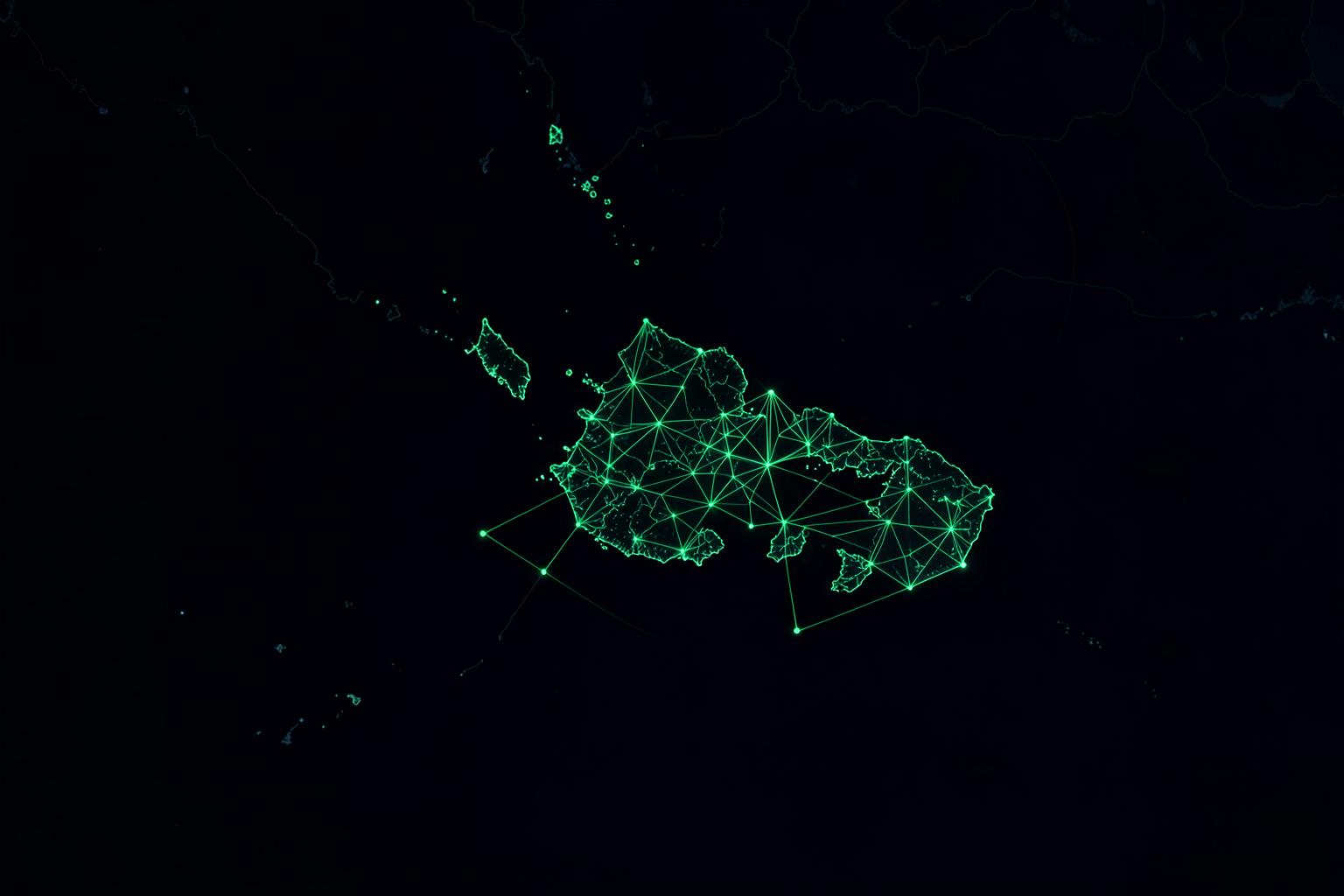
No cellular signal? No problem. Connect across Luzon, Visayas, and Mindanao via license-free 915MHz LoRa mesh networks.
Get Started
Every node ships with the PH_915 region preset and the LongFast primary channel already configured. Tap through to Shopee to order — unbox, charge, pair over Bluetooth, and you're on the mesh.
Loading hardware…
Network Map
Every pin is a node registered by an operator on this site. Tap a marker for its details.
Live Telemetry
Real-time node traffic, packets, and neighbour links streamed from the mesh through a Malla dashboard.
Loading live feed…
Dashboard powered by Malla (github.com/zenitraM/malla). If the panel stays blank, the host blocks embedding — use the open-dashboard button instead.
Mesh Tools
Everything you need to get a node on the air with the right region, slot, and power settings.
Flash the latest firmware straight from your browser over USB, then apply our PH channel parameters: region PH_915, primary channel LongFast, hop limit 3.
Open web flasherCheck whether two Philippine summits or rooftops can actually see each other before you haul gear up a ridge. Accounts for earth curvature and Fresnel clearance.
Example: Mt. Purro (620m) → Antipolo Ridge (780m) = clear at 18.4 km
Run a path profilePH_915 is the nationwide preset for the Philippines. Match these settings and your node will see the rest of the mesh.
| Preset | Range | Power |
|---|---|---|
| PH_915 | 915 – 918 MHz | 24 dBm (250 mW ERP) |
Events
Free sessions to get you on the mesh, plus community build days and field deployments around the country.
Loading events…
Community Builds
Disaster-prep rigs and enthusiast experiments, with the parts list and field notes that made them work.
Loading builds…
Quick Start
No licence, no SIM, no monthly fee. Roughly fifteen minutes from unboxing to your first message.
Grab a pre-flashed starter node from the store, or flash a board you already own with the web flasher.
Download the Meshtastic app on iOS or Android, power your node, and pair it over Bluetooth.
Set region to PH_915, keep the primary channel on LongFast, and you'll start seeing nearby nodes.